Daily Payment Plan Approvals
4 January 2025
Table of Contents
Introduction to the Daily Payment Approval SOP
As of 1 January 2025, we will be implementing Odoo 18. This transition will require some adjustments to our workflows, but the good news is that they will ultimately be more EFFICIENT and QUICKER. A major focus of our Odoo 18 implementation is to ensure that ALL workflows and data are consolidated within Odoo.
In the past, we have relied heavily on Whatsapp and spreadsheets for various tasks. This has resulted in some data and approvals being managed outside of our Operating System, making it difficult to access this information for analysis and insights. One area particularly affected is payment approvals.
Historically, payment approvals were created in Excel, shared through a Whatsapp group, and the necessary permissions to process the payment plan were obtained outside the system before being entered into it.
The Old Way of Getting Payment Approvals
Historically the Standard Operating Procedure (SOP) for obtaining a payment approval has been:
- List all the payments in an excel spreadsheet, listing the bank balances, payments that need to be made, their Purchase Order numbers, the expenses, the amounts and the bank journals from which the payments will be made. A screen shot is taking and shared in the FinOps group. See below.
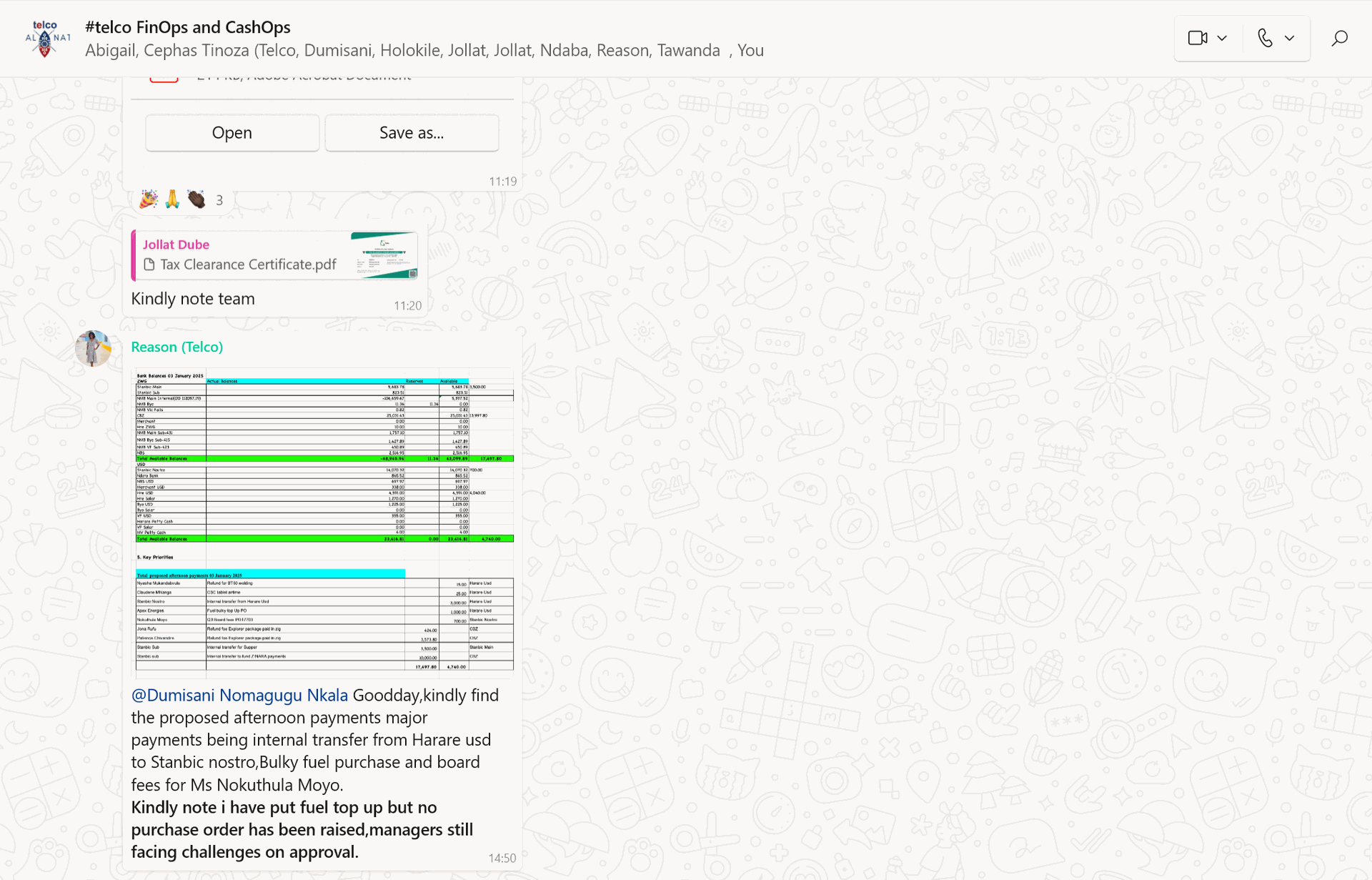
- The FInance Manager would prior to this posting review the payments to be made with the Payments Officer, checking that there is adherence to the weekly payment plan and verifying compliance on the Purchase Orders
- The Finance Director would then review the payment plan, sampling the source Purchase Orders and giving approval for the loading of the payment plan.
- An approval to load the Payment plan would be given via the Whatsapp Group
- Vendor Payments would be created for Approval in Odoo 14
- Vendor Payments would be Confirmed by the FInance Manager
- Vendor Payments would be Approved by the Finance Director
- Payments would be made thereafter.
Challenges with the Old System
- It went through multiple repetitive iterations
- Some parts of the process were handled internally, while others were managed externally, resulting in inconsistencies
- Susceptible to manipulation and possible fraudulent actions
- Difficult to comprehensively assess all payment requests
- Payments often faced delays, with numerous requests missing both approval and payment timelines
- Extremely bureaucratic in nature
- The procedure was neither seamless nor effective
The New Way of Daily Payment Approvals
The new way of doing daily payment approvals is as follows:
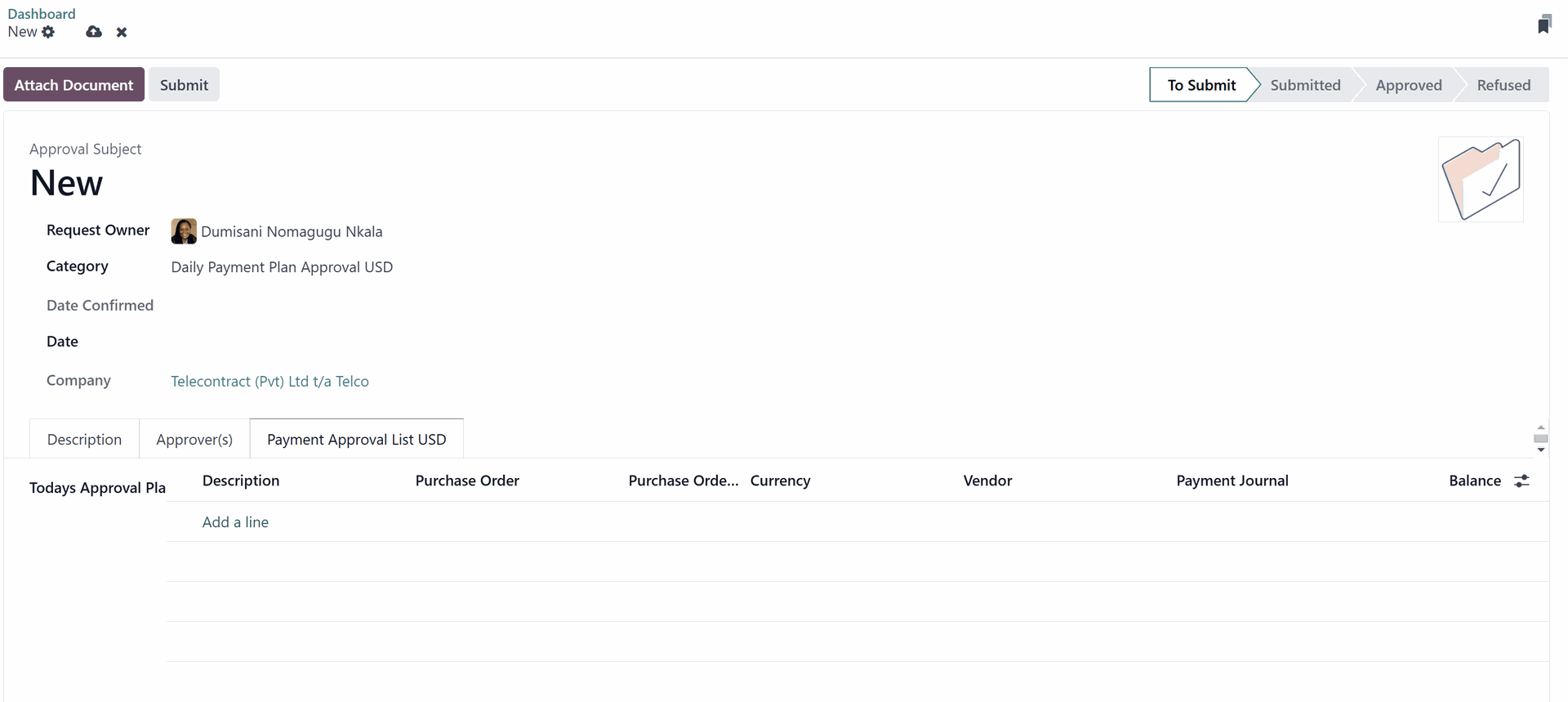
Navigate to the Approvals module
- Identify the type of Payment Plan Approval that you desire to raise. Currently there are four main Payment Approvals that you can request:
- Payment Plan Approval for Purchase Orders in USD
- Payment Plan Approval for Purchase Orders in ZWG
- Payment Plan Approval for Expenses
- Payment Plan Approval for Bank Transfers
- Select the Payment Plan type that you want to get approved.
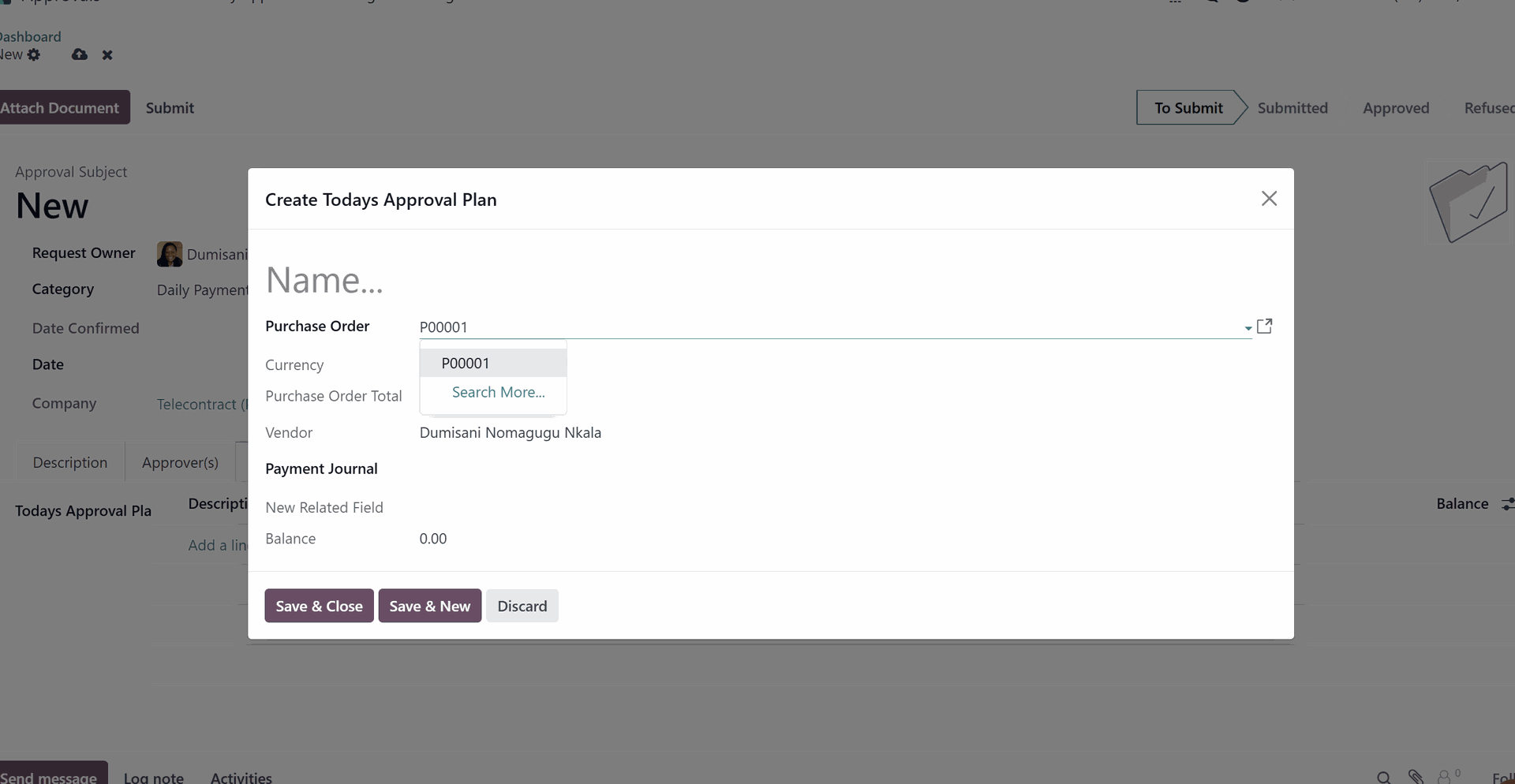
- Select the Purchase Orders that you want to add to the payment plan (this step will be automated in due course)
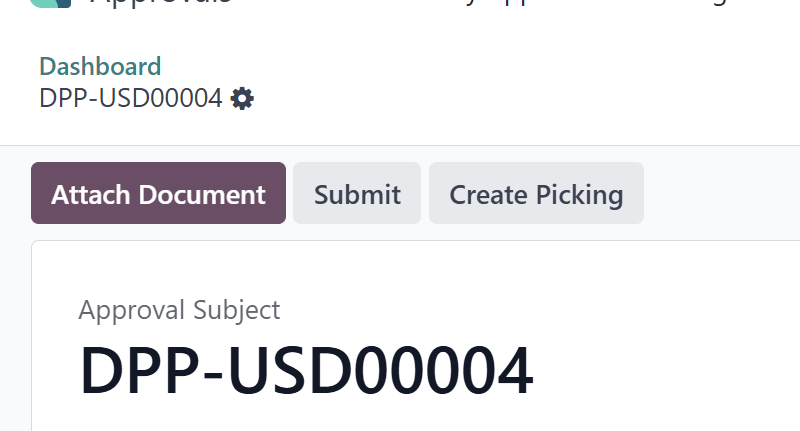
- Submit the Payment Plan for Approval first of all by the Finance Manager then by the Finance Director
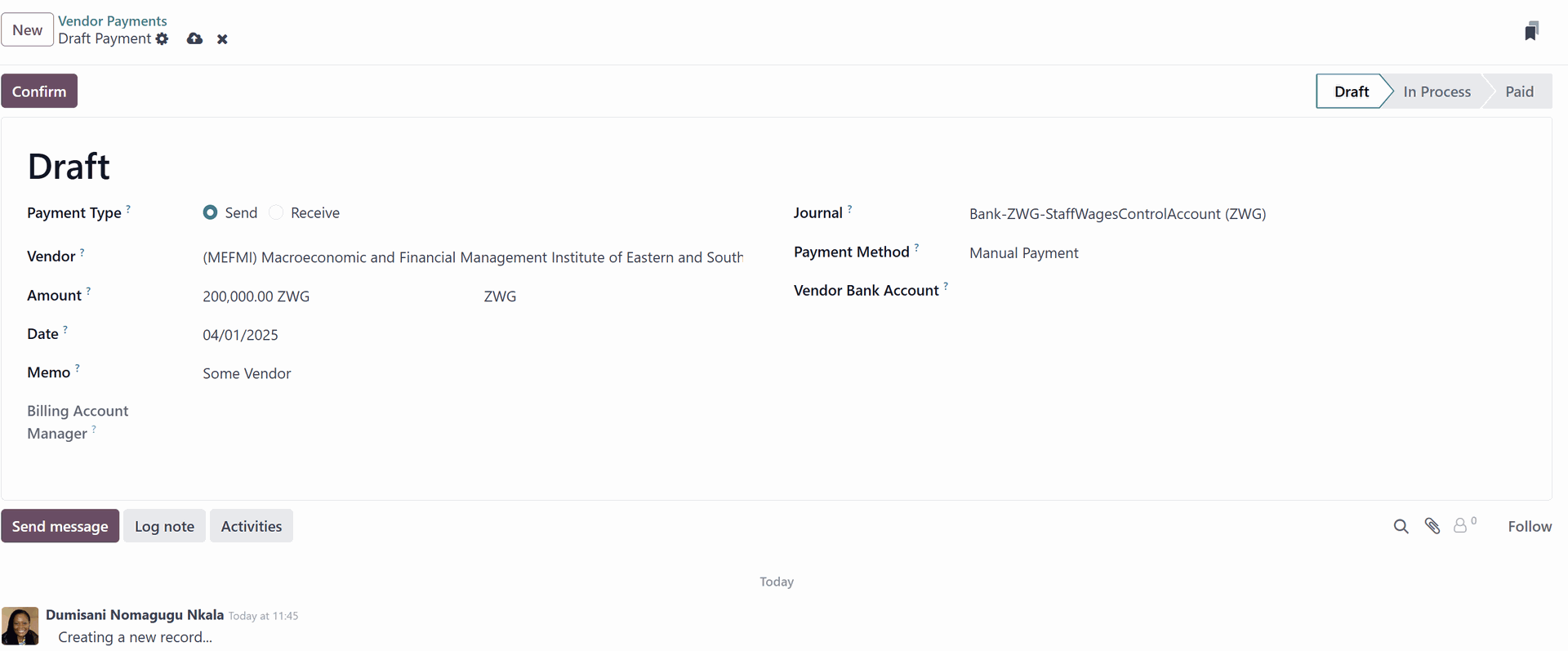
- Create the Vendor Payments once the payment has been approved (this step will be automated in due course)
- Make the payments via the bank or cashbooks in accordance with the approvals.
Future Changes to the Payment Plans Workflow
**Please note that this workflow is a Work in Progress and will be changing. As changes are made, this SOP will also be updated.**
See the Proposed Revised Process here>>
Benefits of the New Way of Daily Payment Approvals
- Consolidate all workflow activities within Odoo
- Shorten the duration needed for comprehensive process completion
- Address and close any workflow gaps
- Attach all relevant documents to the workflow
- Provide payment plans punctually
- Facilitate quicker approval processes
- Optimize and refine the overall workflow
Any questions or answer about this document?